Fair SketchUp Demo Recorder
Record clicks once, replay on a clean robot path, ship YouTube + Reels in one capture.
A macOS recorder for SketchUp demo videos: capture clicks, replay on a straight-line auto-path, output YouTube + Reels mp4 from a single take.
A small recorder that sits in Hammerspoon and lets us record + replay clicks in SketchUp, then save the take as a clean video.
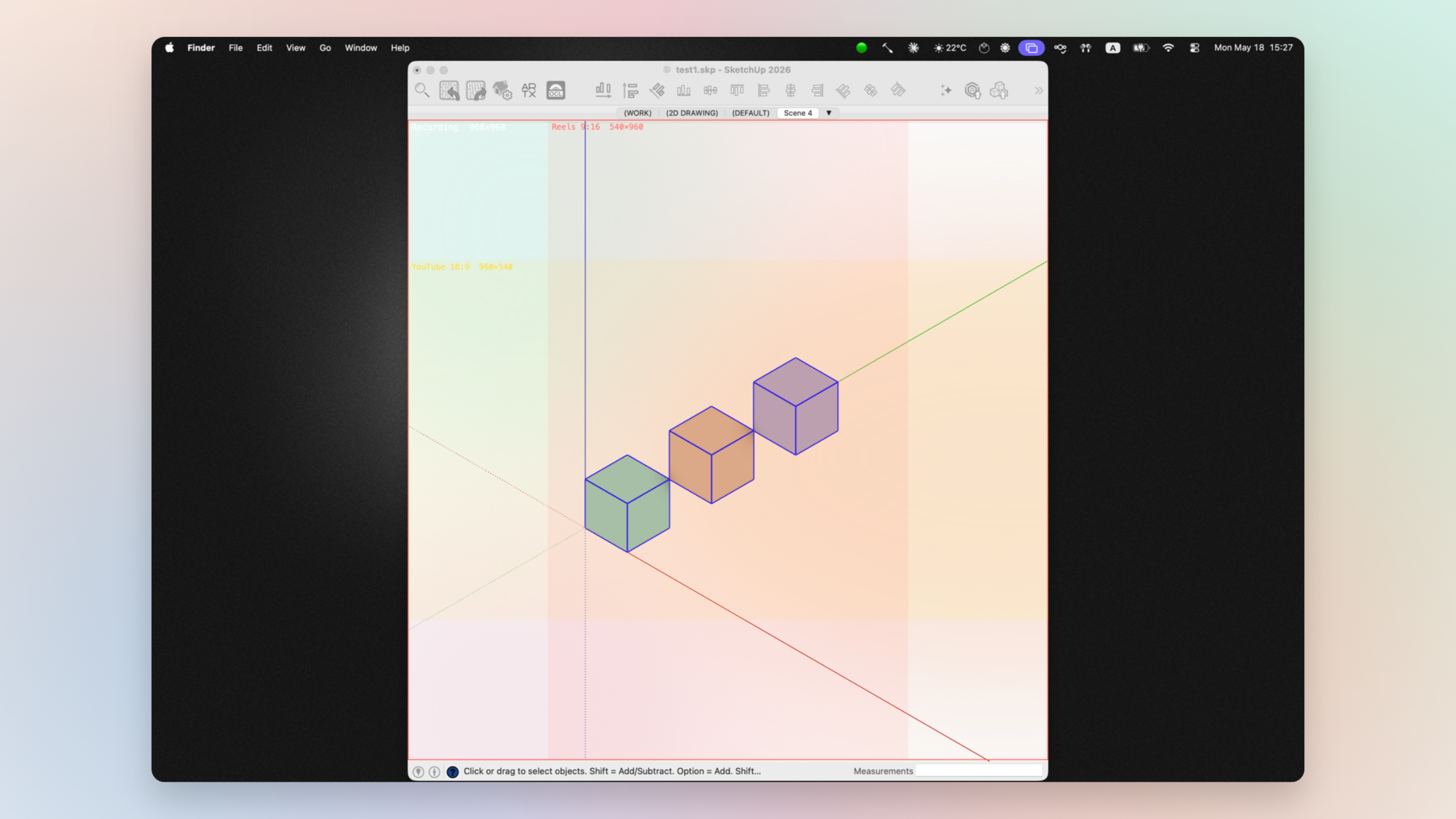
Fair SketchUp Demo Recorder is a macOS tool we built to make SketchUp demo videos repeatable. Click through the demo once. The tool stores every event. Replay any time, capture the screen, and end up with a clean mp4 — including one YouTube cut and one Reels cut from the same take, if you want.
We make a lot of short demos for our SketchUp extensions. Each one used to mean: open SketchUp, screen-record, click through the script, redo when the cursor jittered, export, crop for vertical, redo when the take ran too long. Hours of work to make 20 seconds of video.
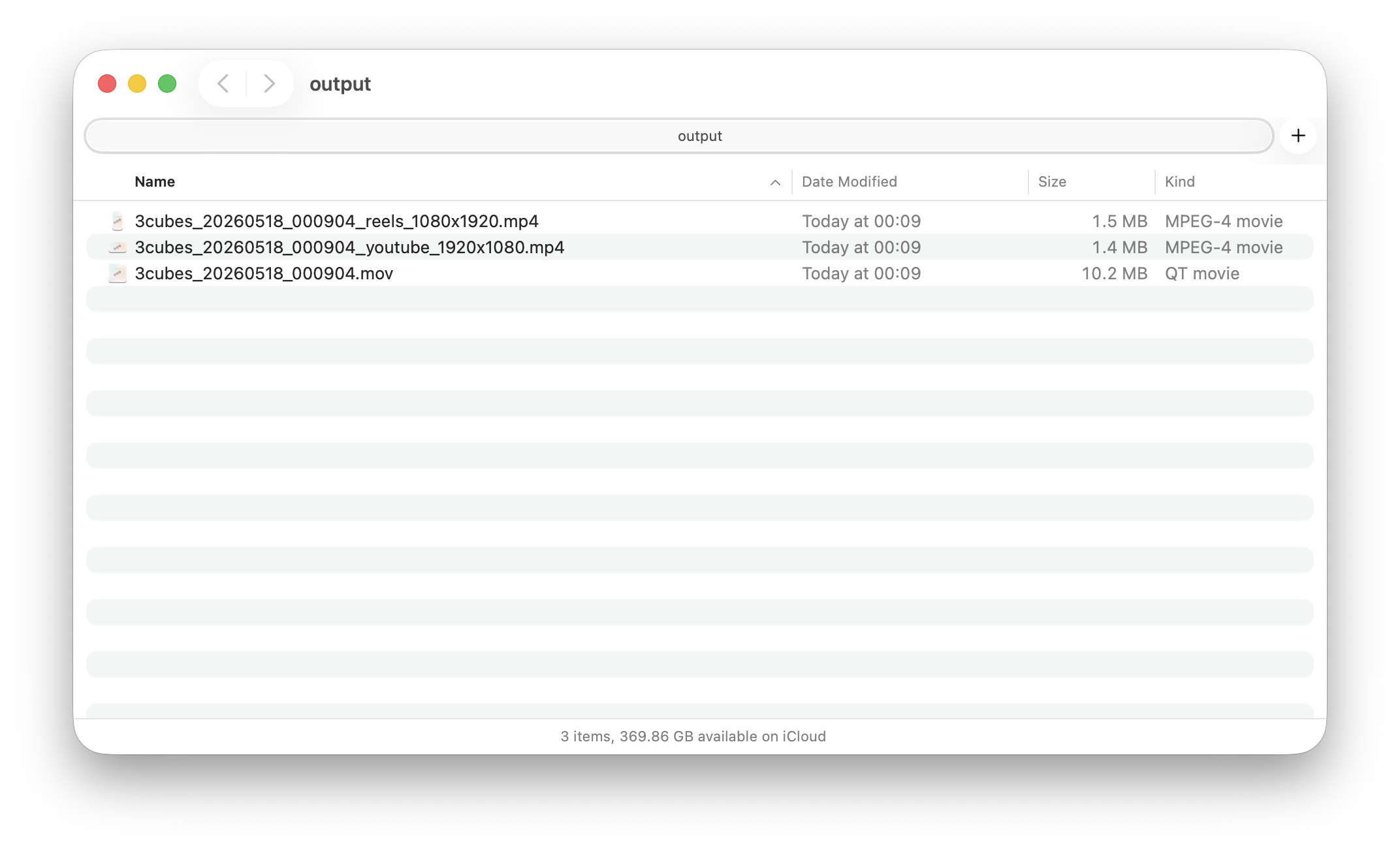
This tool collapses that loop. Record once. Edit the click timing as plain numbers in a timeline. Replay as smooth, straight-line cursor motion. Capture. If you set up the Universal preset, you get both a 16:9 and a 9:16 video from one capture.
One toggle that decides whether the recording captures the clean 3D model area or the whole SketchUp window.
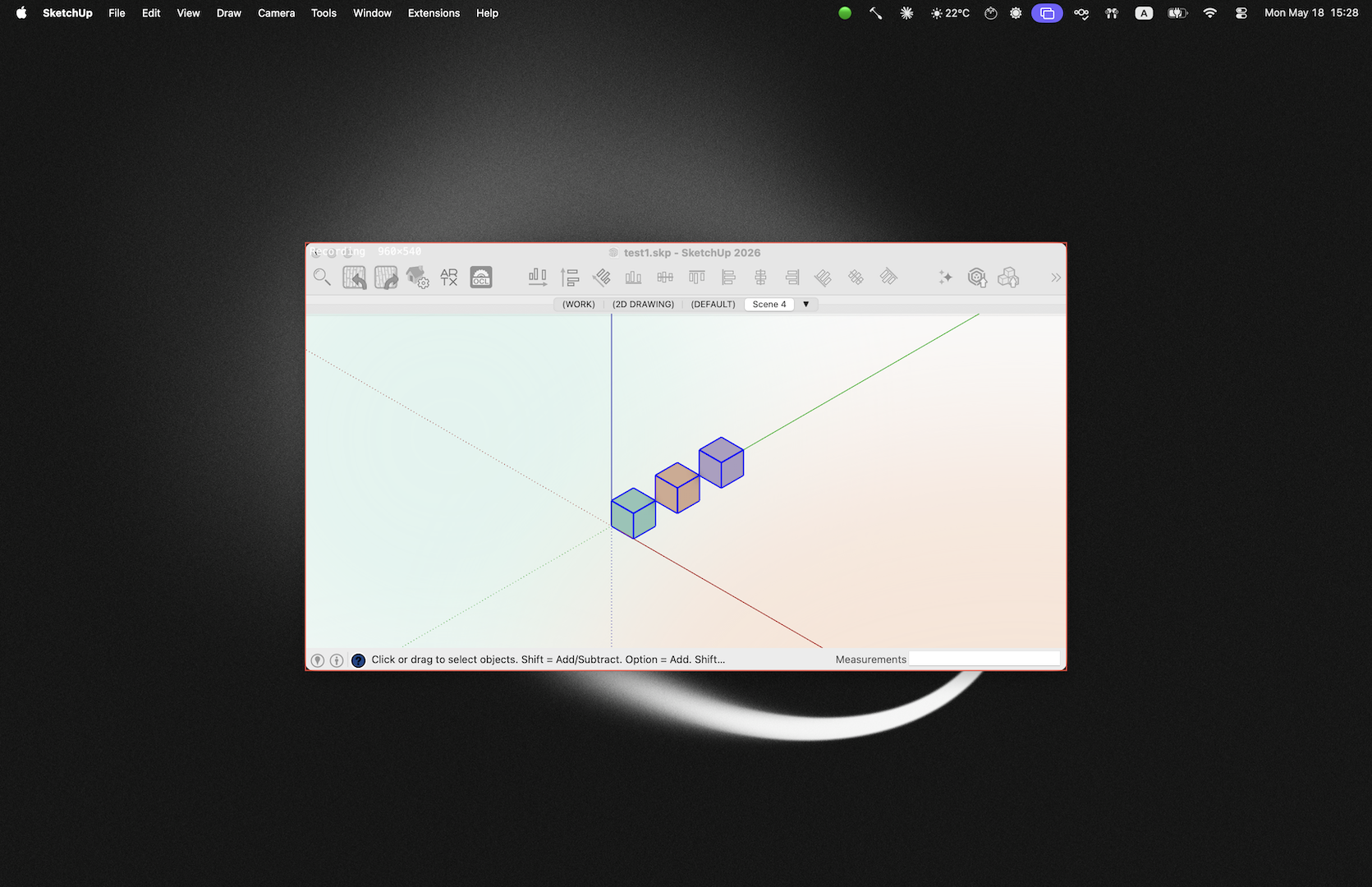
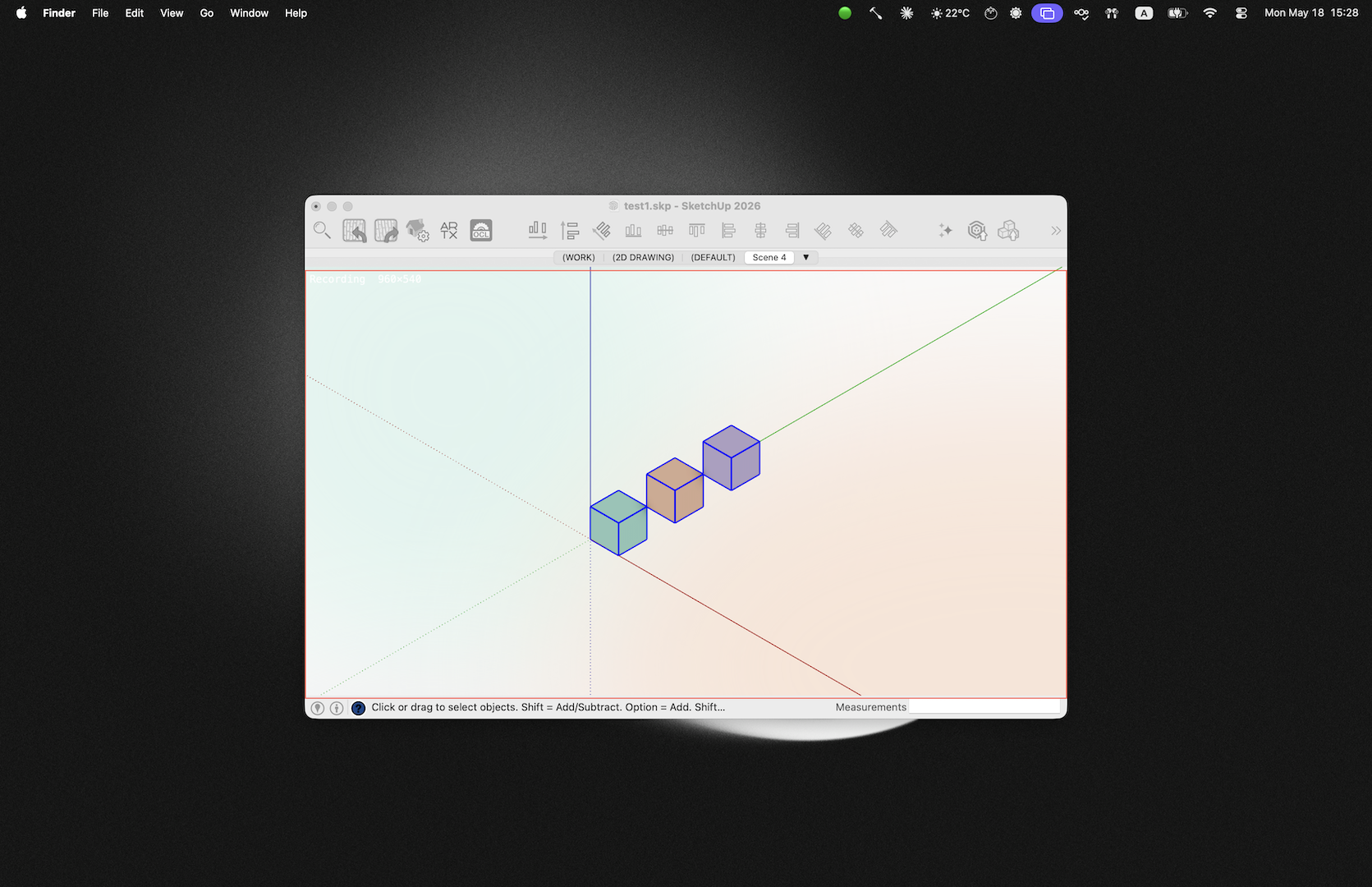
Every preset chooses one of two capture modes:
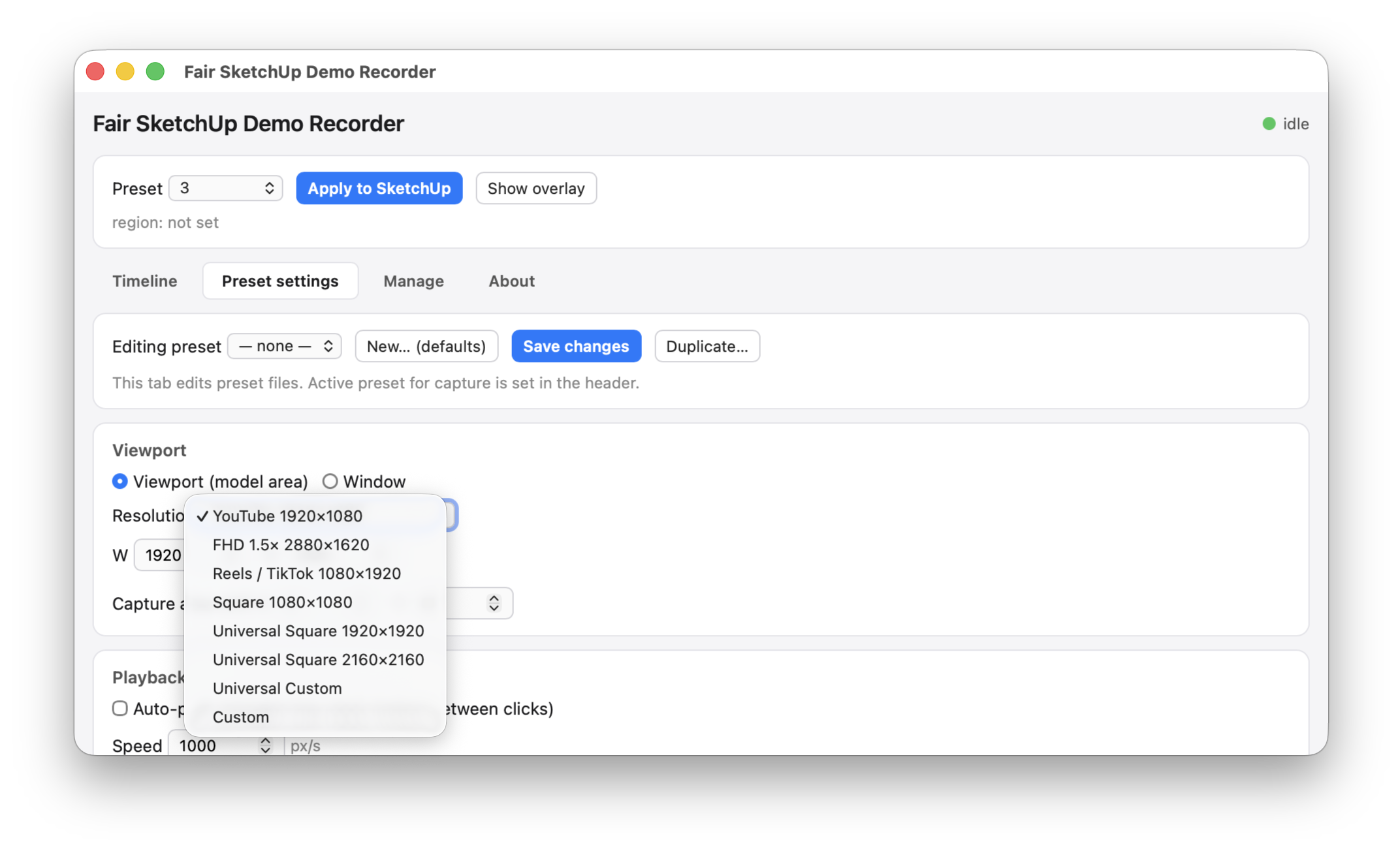
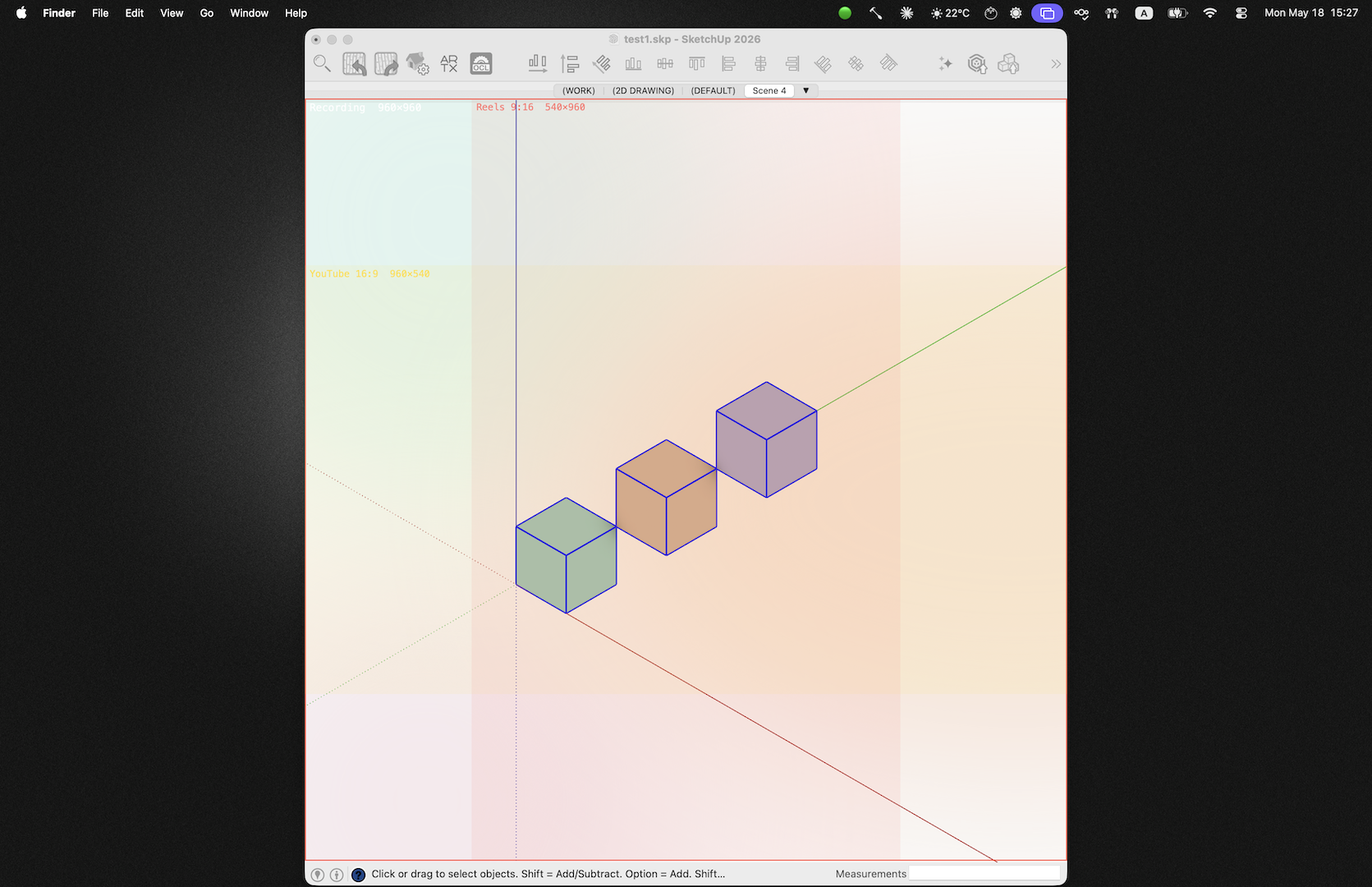
Viewport (model area) — the recorder uses SketchUp's own Sketchup.resize_viewport(model, w, h) API to size the model area to exactly the target pixel dimensions (e.g. 1920×1080). The capture region locks onto that area only. No title bar, no toolbar, no panels, no menu. The output mp4 is pure 3D content, frame-perfect at the requested resolution.
Window — the whole SketchUp window is resized to the target W×H and the capture region matches the full window frame. Toolbars, the side panels, and the status bar all end up in the video. Use this for tutorials where you need to show "click this button".
This is the feature most other screen-record-then-crop tools don't give you. You don't shoot in 4K and crop down hoping the bezel didn't drift; you set the viewport once, hit Apply, and SketchUp resizes itself to make the math exact.
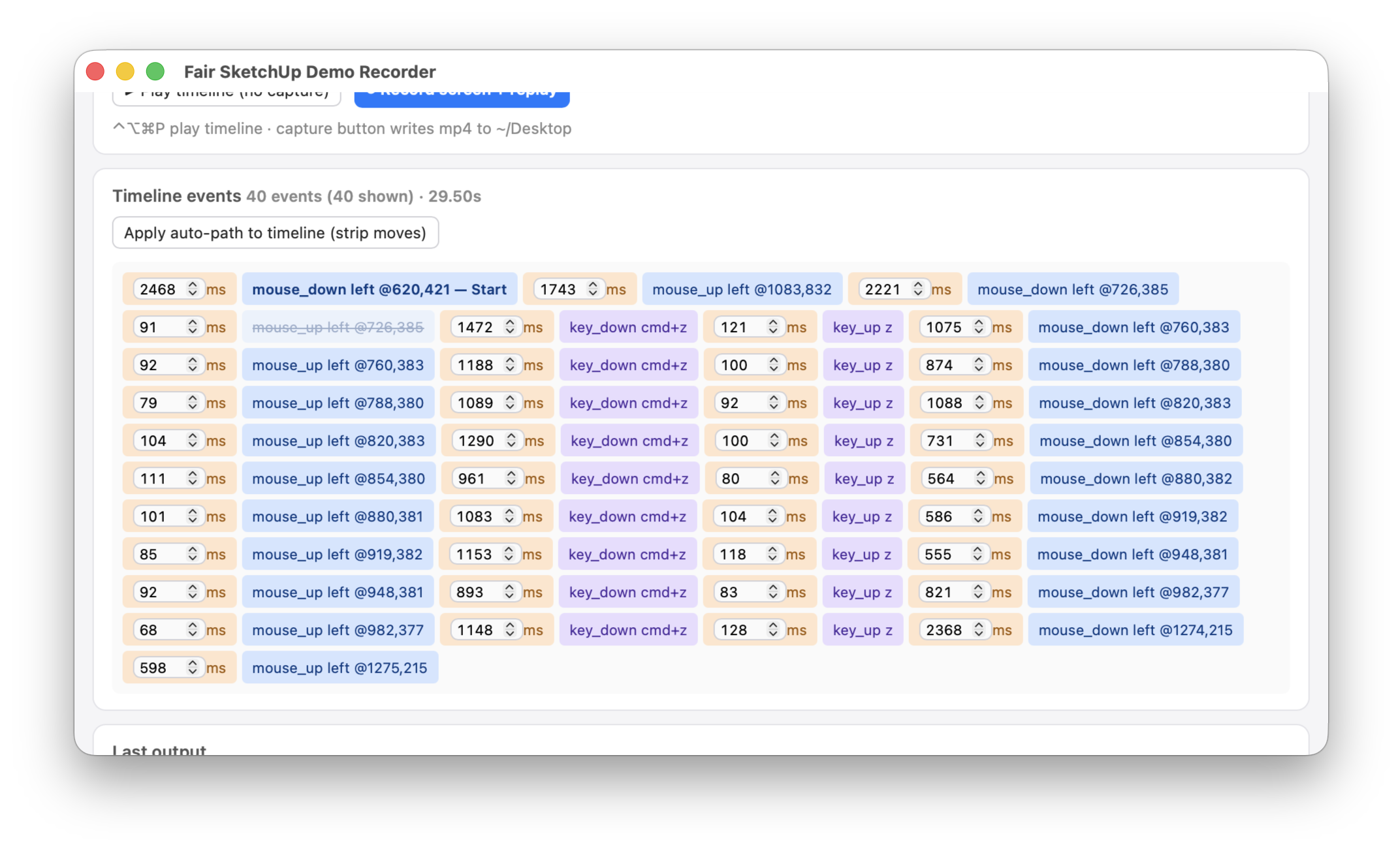
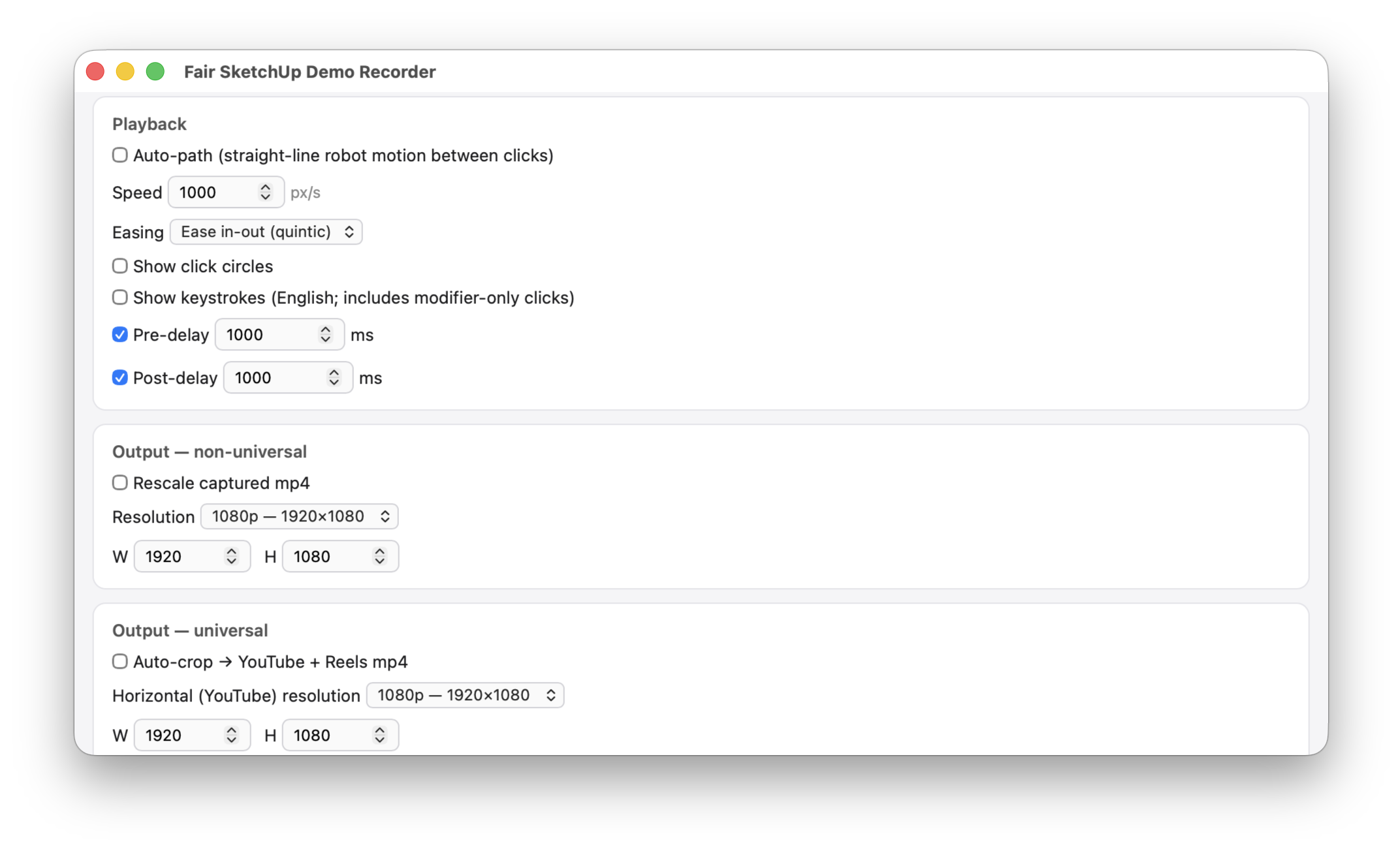
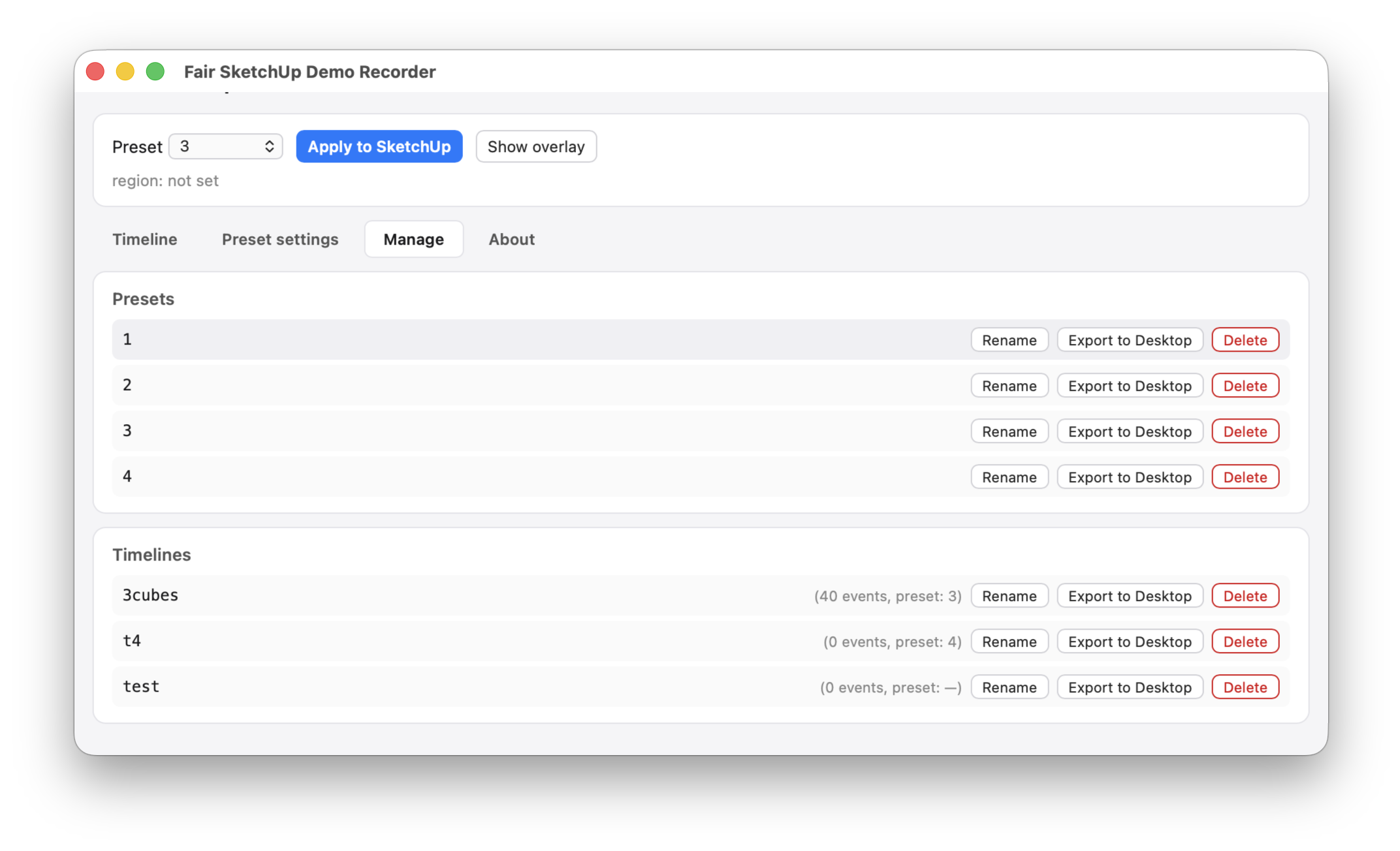
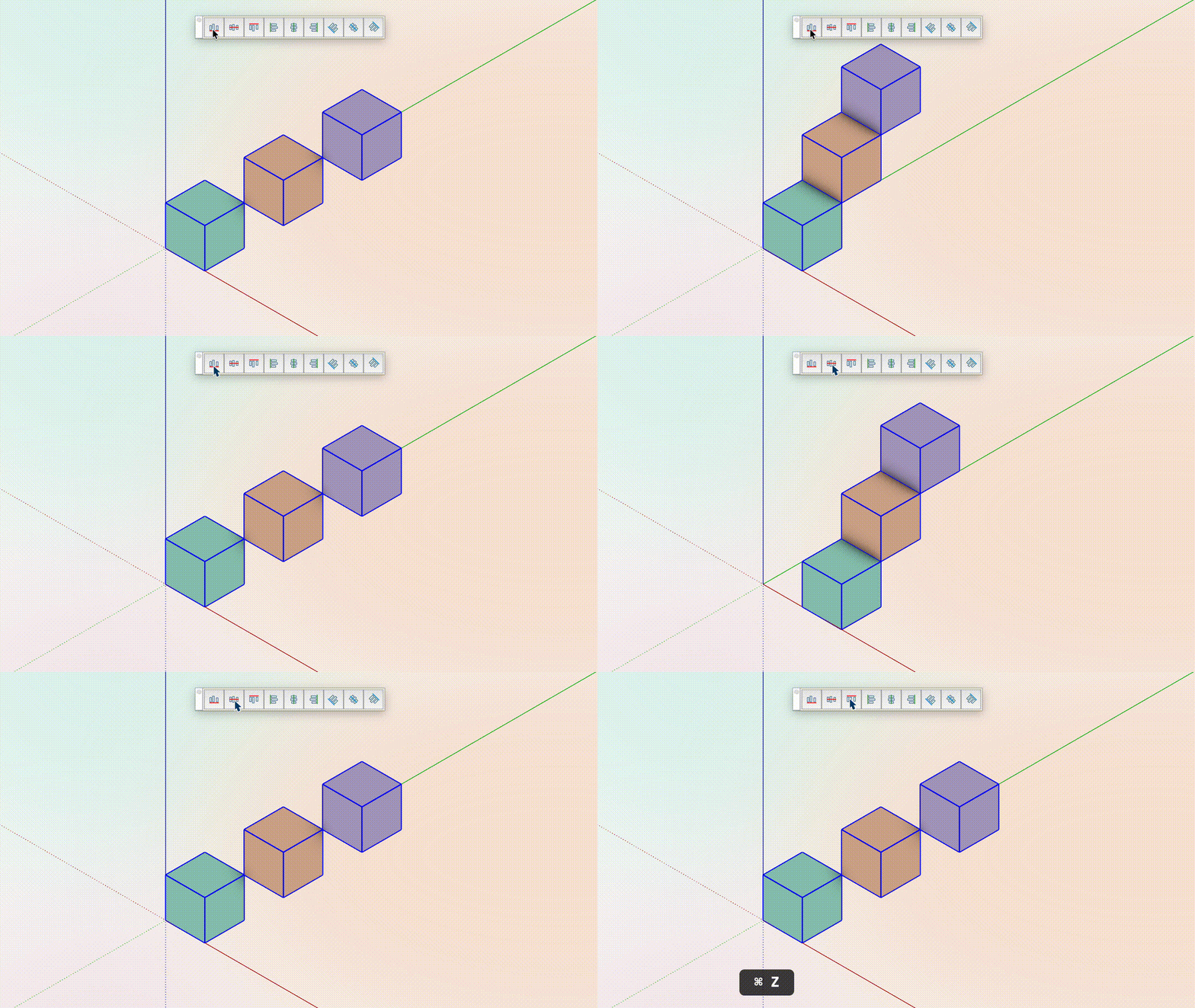
Auto-path drops every recorded mouse_move between two clicks and substitutes smooth cursor interpolation — configurable speed in pixels/second, with quintic ease-in-out by default. Click + drag is preserved (we only drop moves between clicks, not during drags).
Click circles render an expanding ring at every click, in the captured video. The keystroke overlay shows a ⌘ Z style pill in the corner — using a fixed English ANSI keymap so it reads the same whether the input layout was Cyrillic, Hebrew, anything.
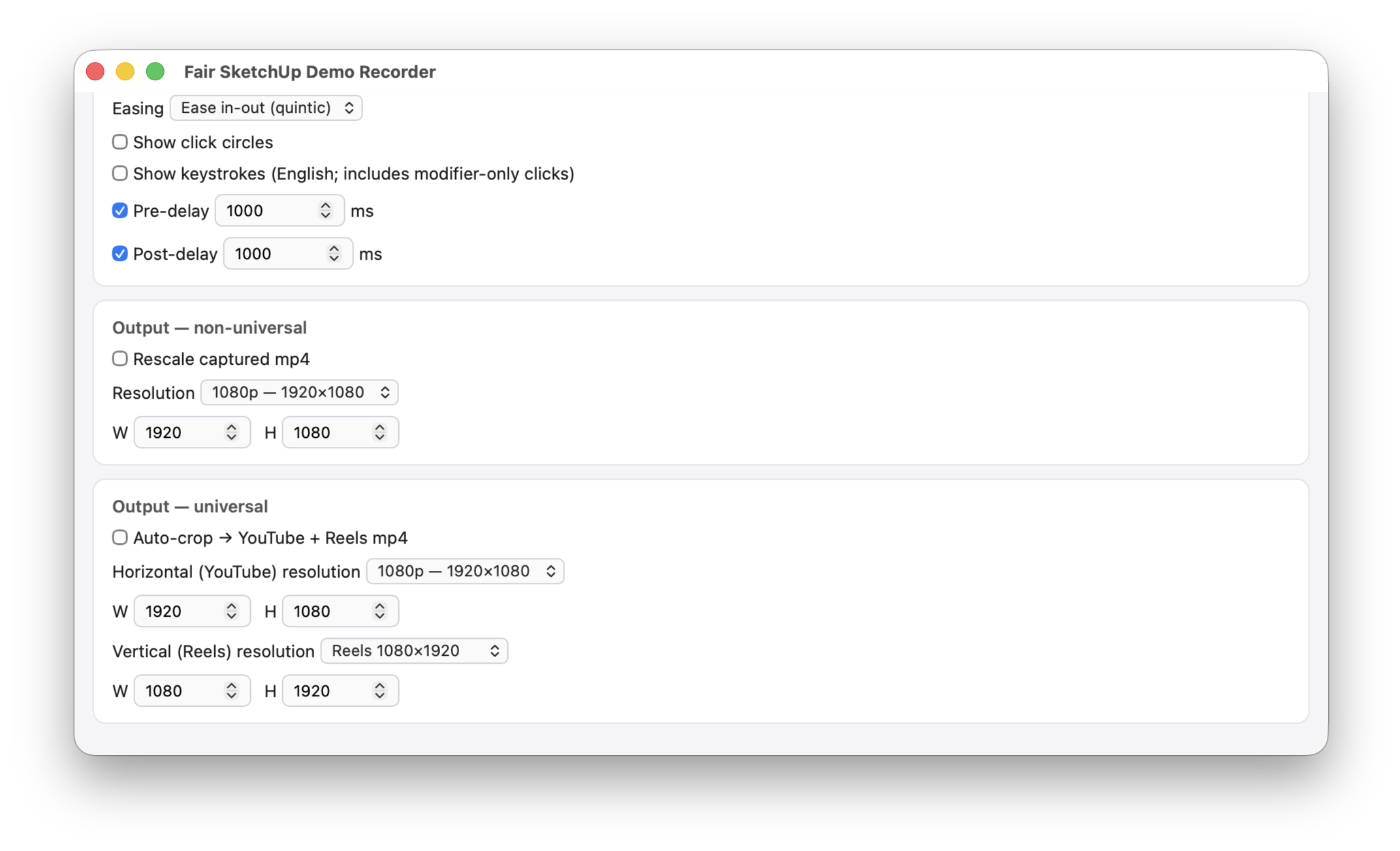
The Universal presets record a square area. After capture, ffmpeg auto-centres a 16:9 crop for YouTube and a 9:16 crop for Reels. The overlay shows both safe zones during recording so you can align your subject inside the intersection.
For sizes the display can't fit (4K, 2880-tall Reels) we removed those presets — SketchUp clamps the viewport and you end up with off-centre crops. Universal Custom lets you set the source square + any crop targets.
Hammerspoon does the heavy lifting: event capture, replay, window sizing, screen recording, the local HTTP bridge that serves the HTML UI to a hs.webview window.
A tiny Ruby companion plugin lives inside SketchUp. It polls a file in /tmp/. When Hammerspoon needs to set the viewport to an exact pixel size, it writes a JSON command; the companion calls Sketchup.resize_viewport(model, w, h). No sockets, no permissions to grant on the SketchUp side beyond enabling the extension.
This project was paired with Claude Opus 4.7 (1M context). The human held the design direction — what should the UI feel like, which workflows matter, what is good enough to ship. Claude wrote the bulk of the Lua, JS, Ruby, and ffmpeg pipelines.
MIT-licensed. Source on GitHub: https://github.com/BeFairLab/sketchup-demo-recorder.
See QUICKSTART.md for a 5-minute install, HOWTO.md for an end-to-end demo, and REQUIREMENTS.md for system needs.
Tested on macOS 26.4 + SketchUp 2026.1. Hammerspoon, ffmpeg, and the SDR Companion plugin are the only dependencies.